NNear
  • What is Near
  • Why Use Near
  • How to play
  • Screenshots
  • Walkthrough Video
Menu

The Game

  • What is Near
  • How to play
  • Why Use Near
  • Tag mode (coming soon)
  • Screenshots
  • Walkthrough Video

Guides

  • Jet Lag home game
  • Map generator and tools
  • City guides
  • Similar games

Near

  • Company
  • Launch alerts
  • Support
  • Privacy
  • Terms
  • Delete account
Open NearBack to Near

Screenshots

Here's what Near looks like in action. These are from the iPhone app, but the same game runs in the browser and on Android. Open Near to try it, or read what Near is first.
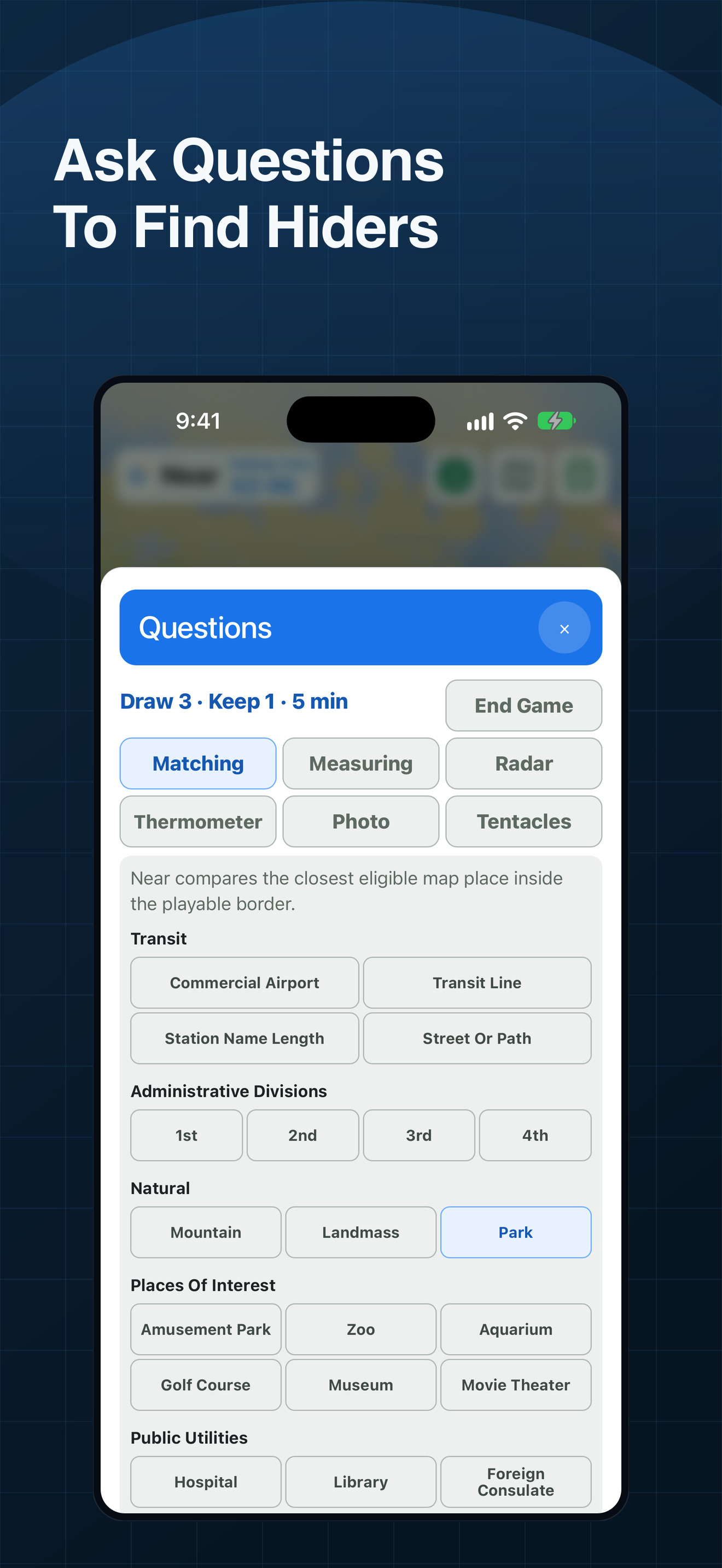
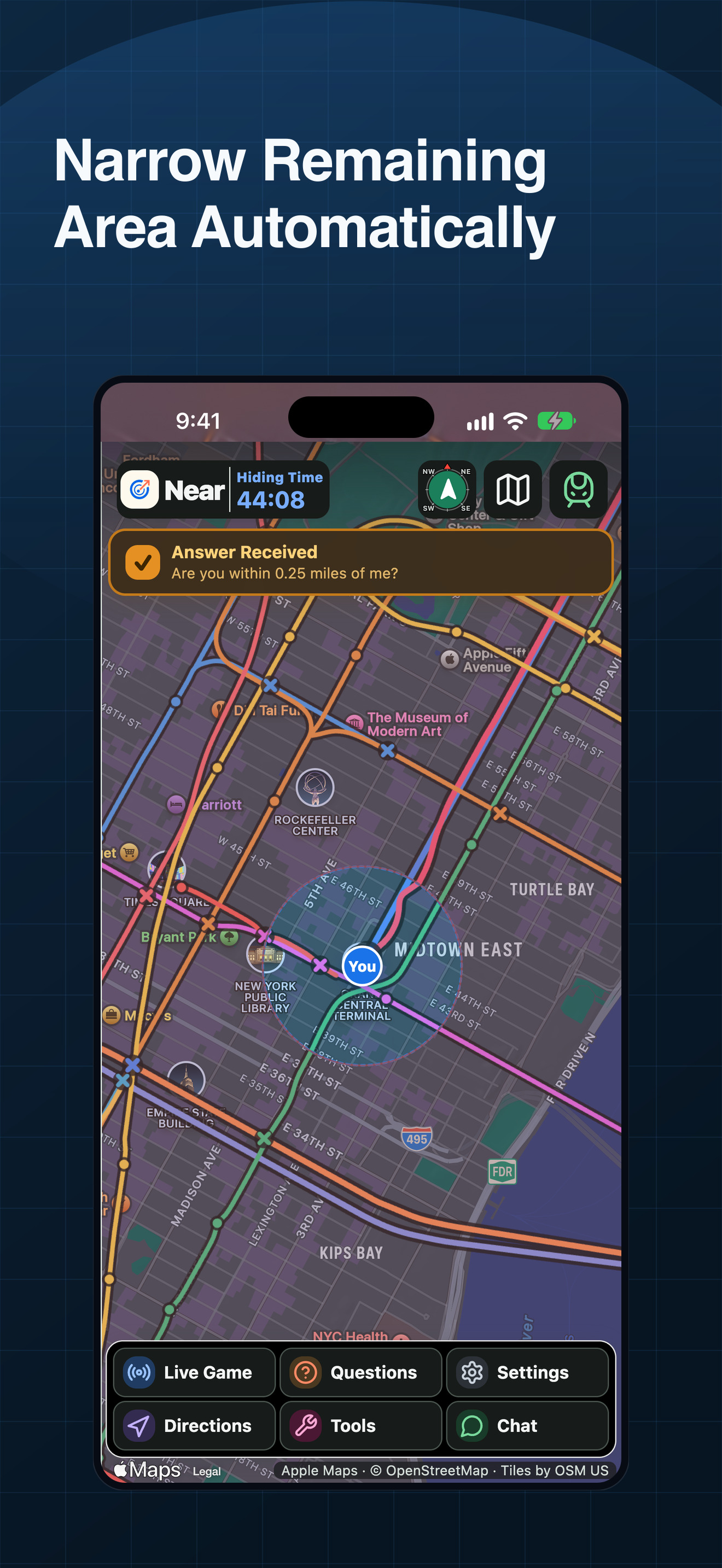
Near question categories on iPhone, with six question types plus End Game
Near map on iPhone with an answered Radar shading the ruled-out area
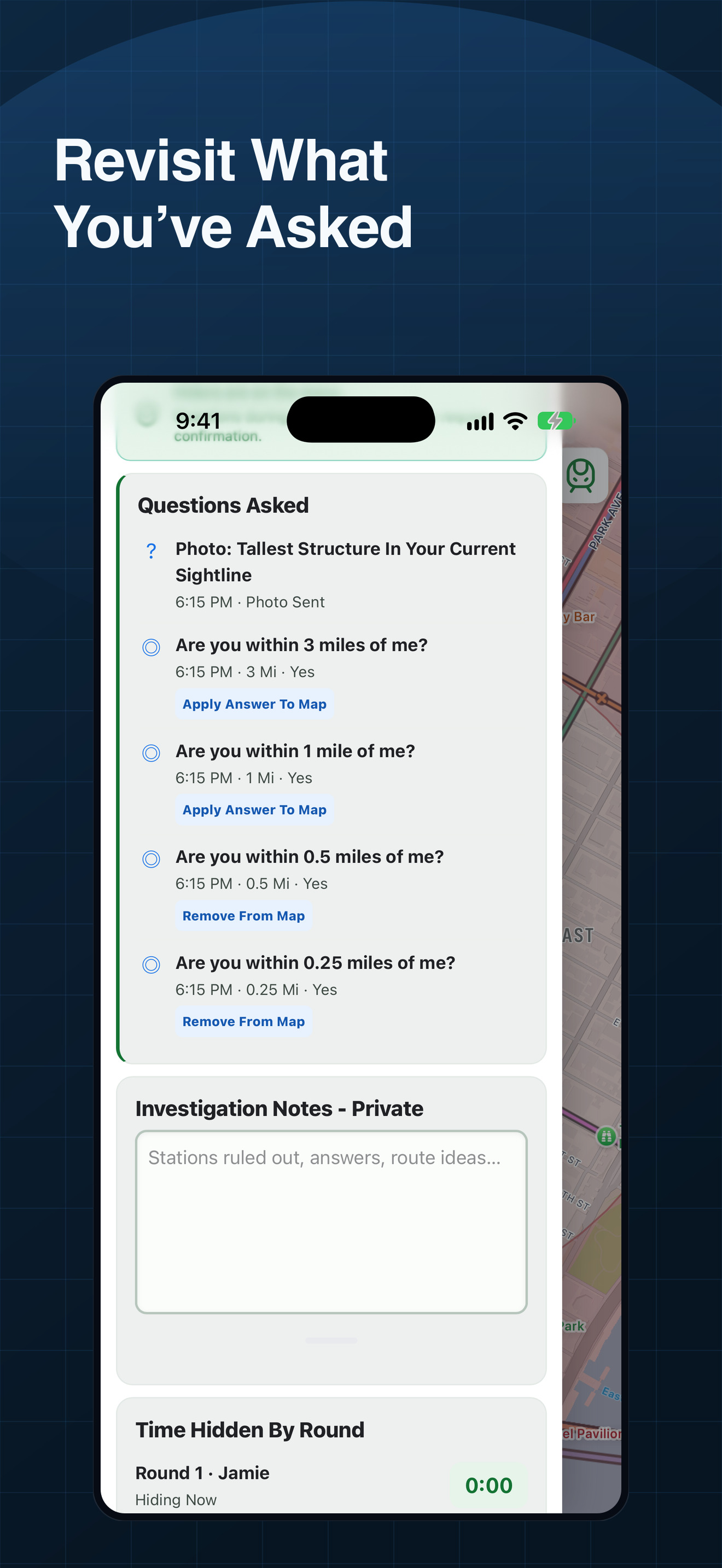
Near question log on iPhone showing five answered question cards
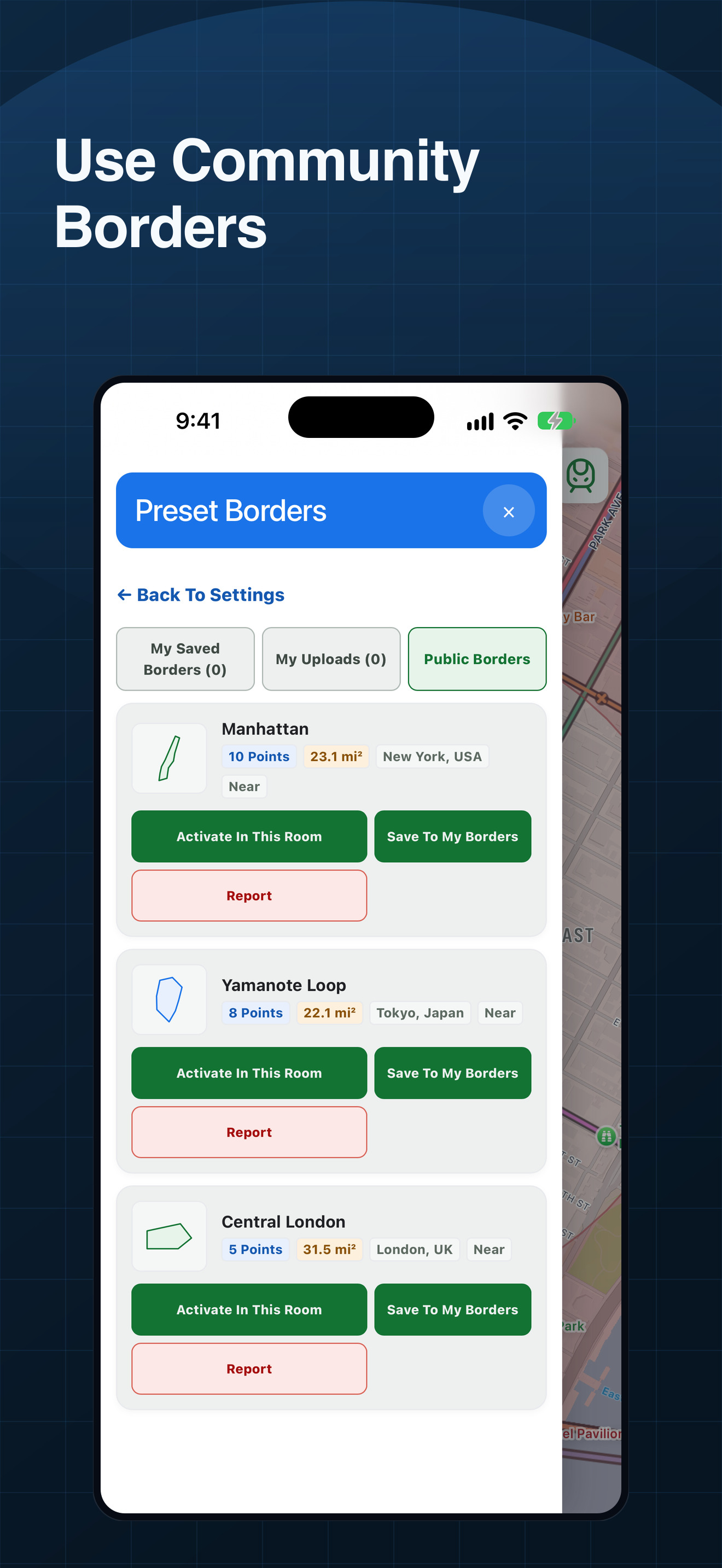
Near Public Borders gallery on iPhone with community borders
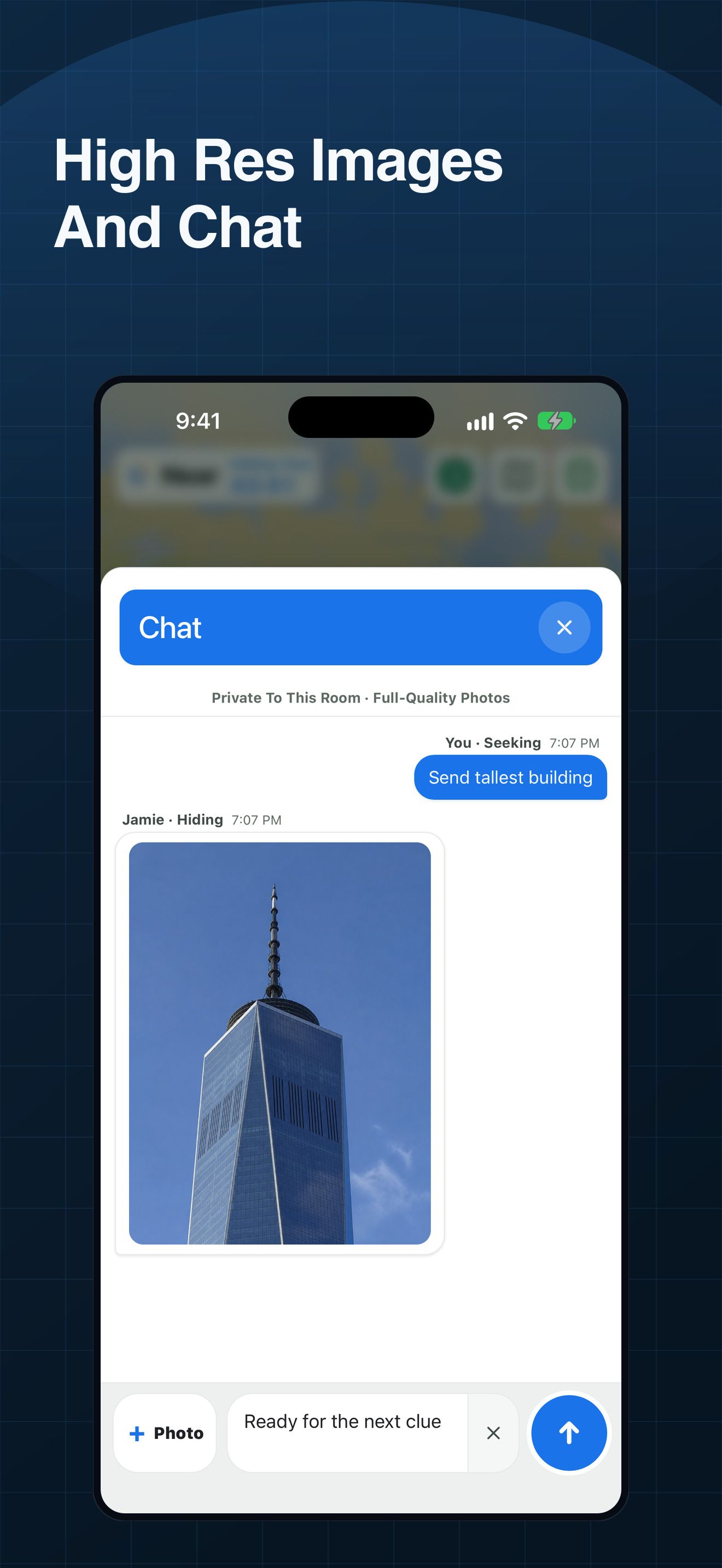
Near room chat on iPhone with messages and a shared photo
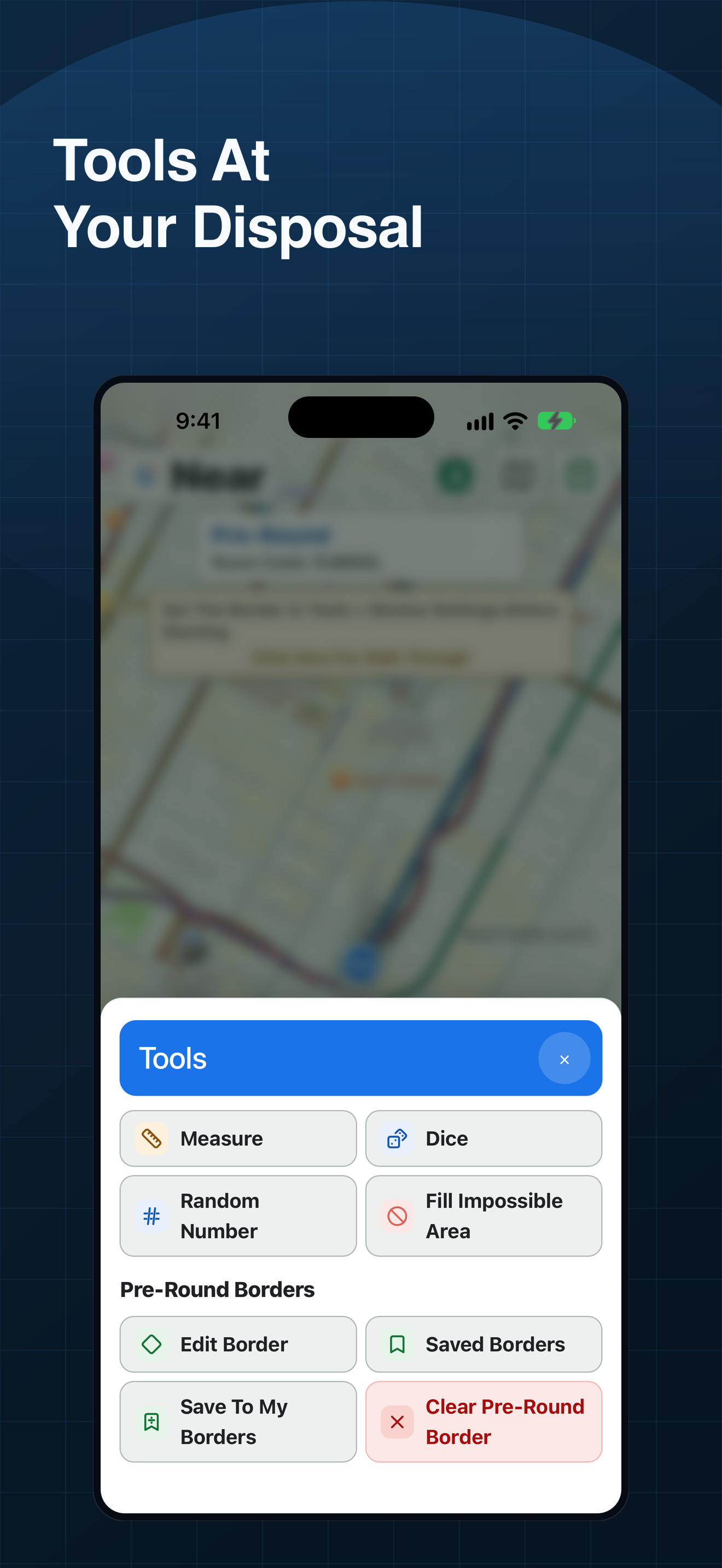
Near tools sheet on iPhone with the game tools
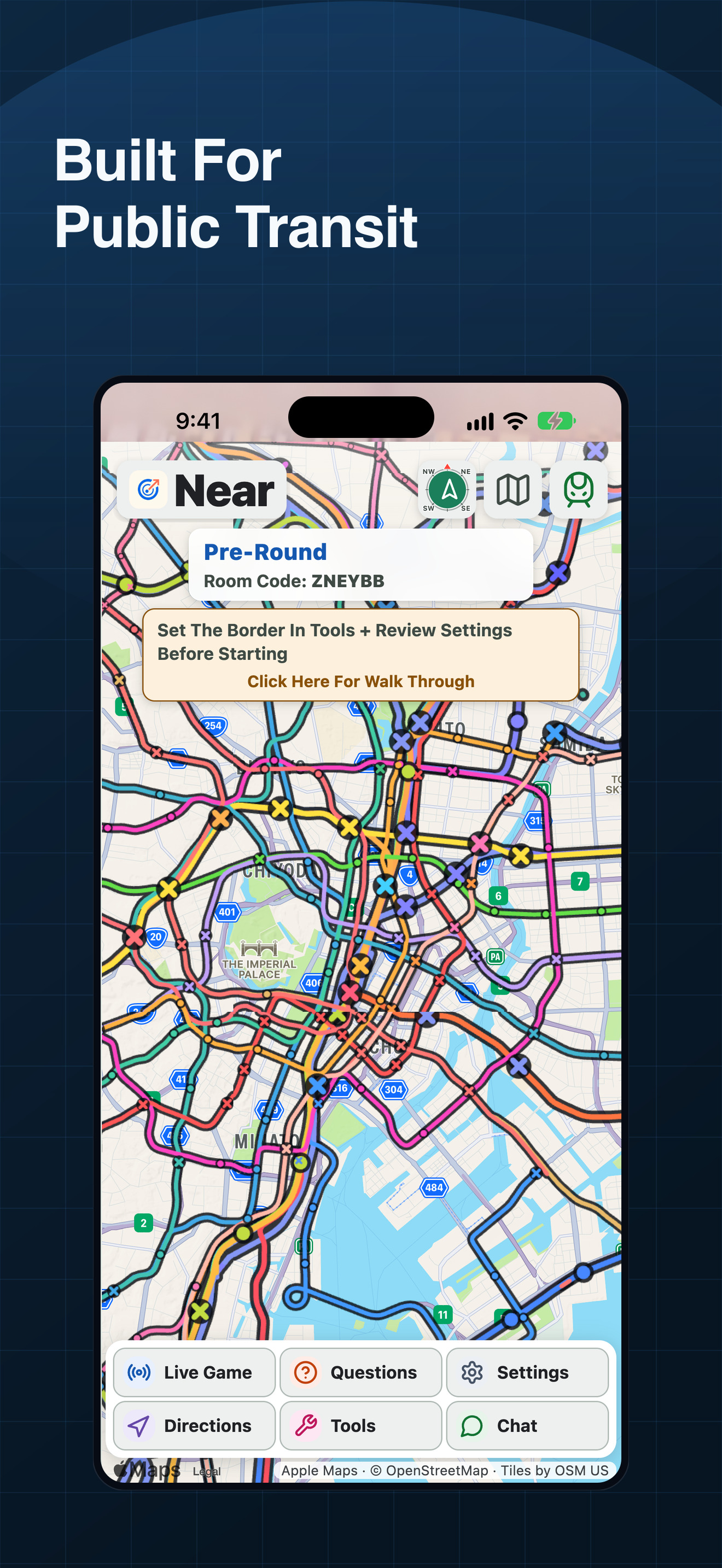
Near map on iPhone showing Tokyo rail routes and station stops
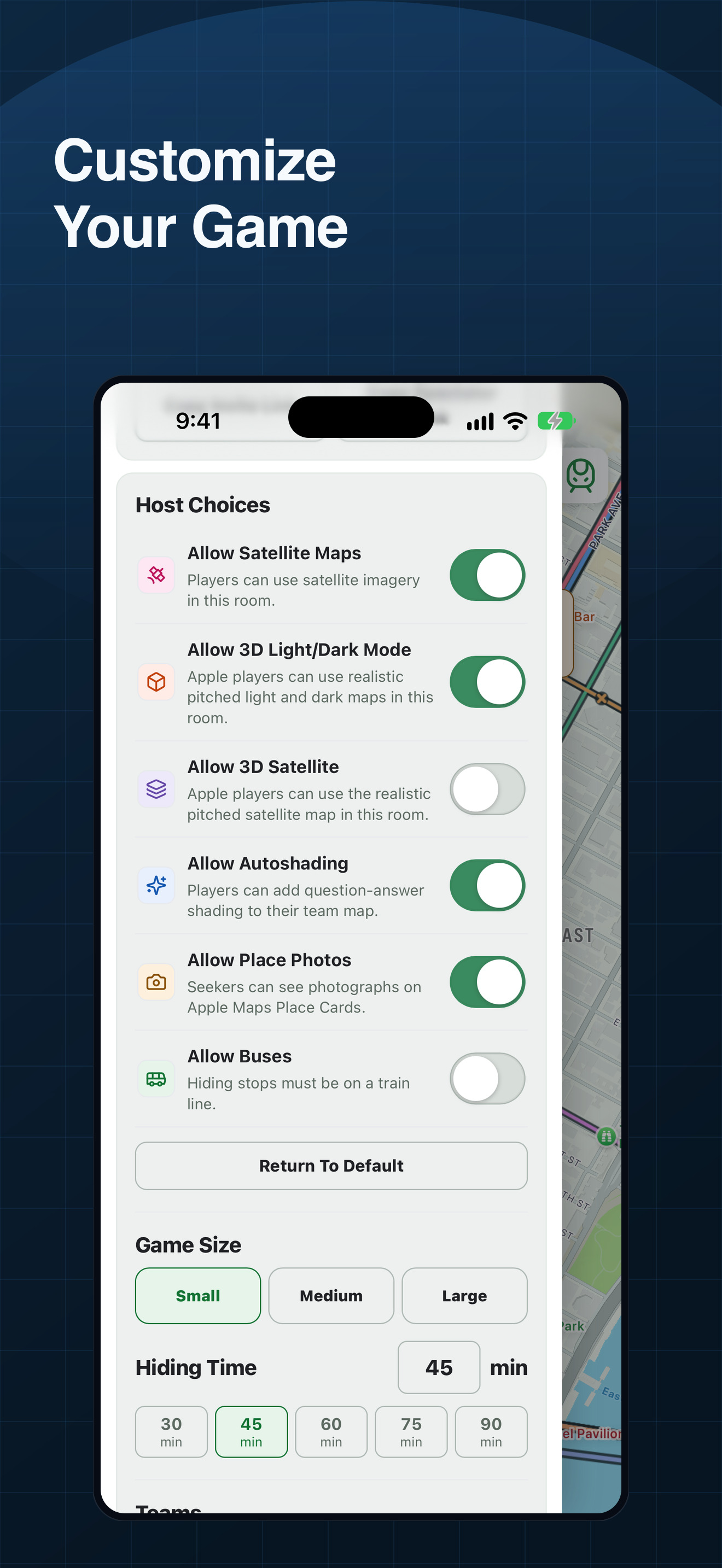
Near game settings on iPhone with host permission toggles and game size
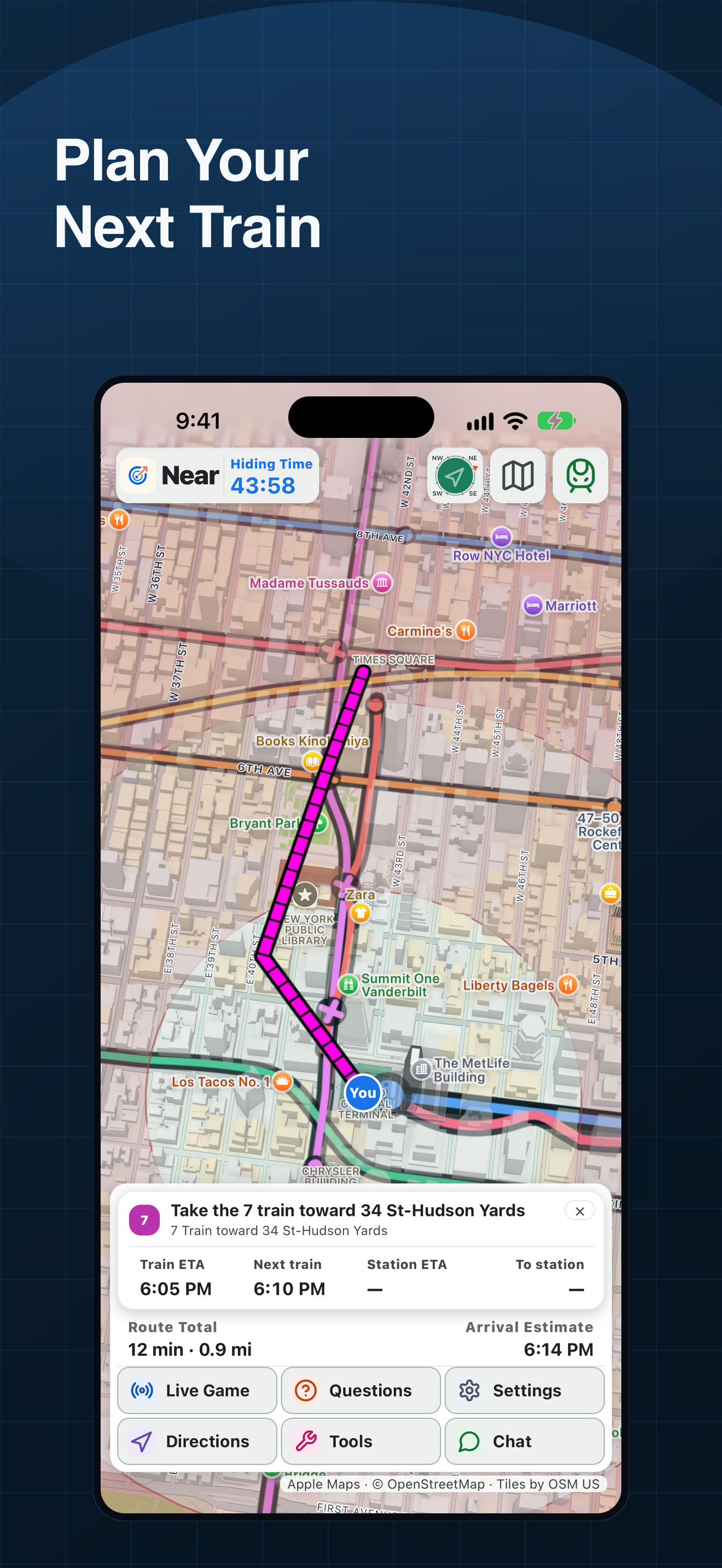
Near directions on iPhone showing a full route with train guidance on a 3D map
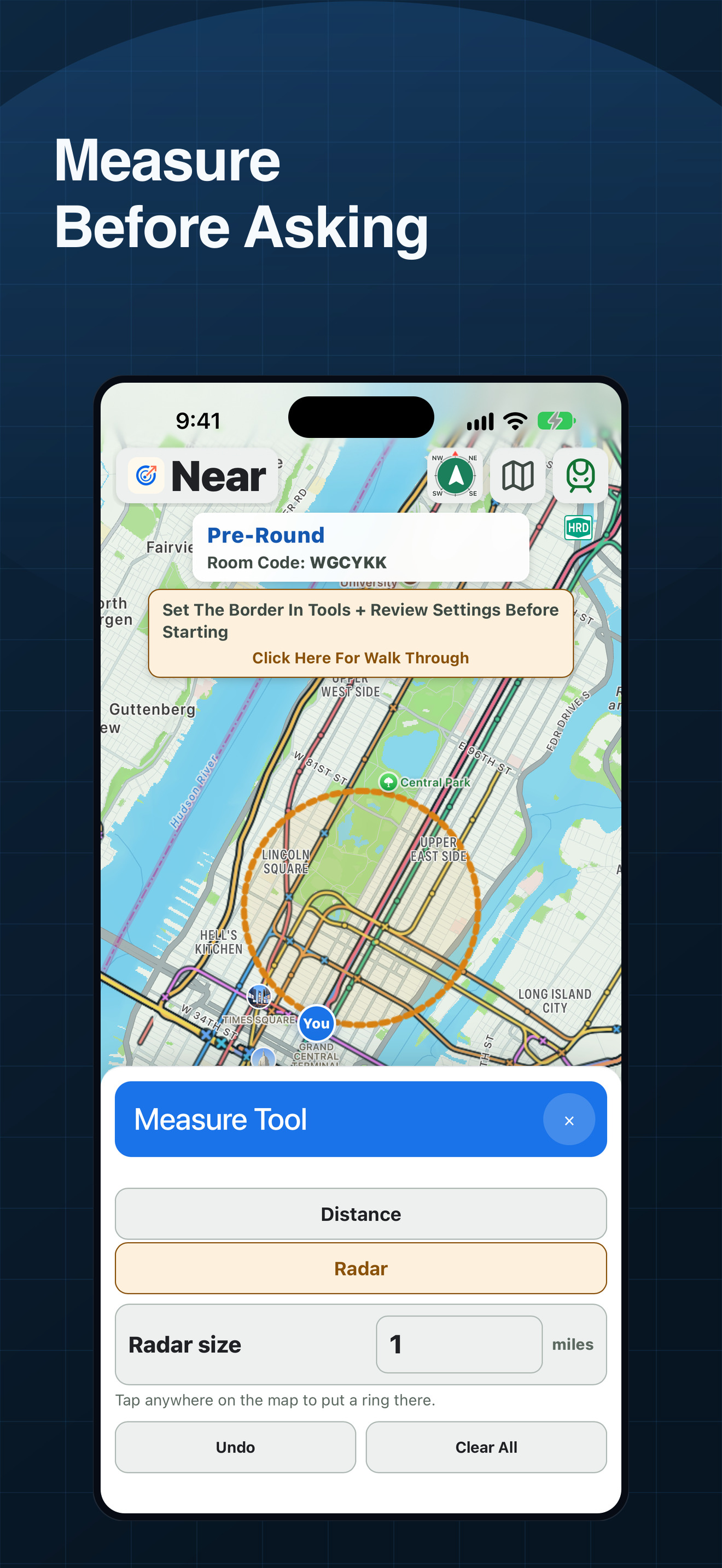
Near measure tool on iPhone drawing a one-mile ring on the map

1The Game

  • What is Near
  • How to play
  • Why Use Near
  • Tag mode (coming soon)
  • Screenshots
  • Walkthrough Video

2Guides

  • Jet Lag home game
  • Map generator and tools
  • City guides
  • Similar games

3Near

  • Company
  • Launch alerts
  • Support
  • Privacy
  • Terms
  • Delete account

Near Hide + Seek · Made by James Tumino · jamestumino2@gmail.com

Show & community referencesJet Lag on NebulaYouTube channelNew-fan overviewHide + Seek seasonQuick-start guideCard referenceDiscordReddit